
3D DICOM Viewer for CT & MRI
Cinematic Quality
Explore CT and MRI volume datasets with photorealistic 3D rendering, synchronized MPR views, distance, angle, and ROI tools, and adjustable tissue visualization. Runs directly in your browser for research, education, and demonstration.
From dataset to interactive view in seconds
Load your data
- Open compatible CT or MRI DICOM datasets and image series using supported transfer syntaxes, including uncompressed, RLE, and JPEG / JPEG 2000 (lossy and lossless) images.
- The browser demo uses preprocessed reference datasets. With Grenzwert Pro, DICOM files open directly from local storage in the browser, where they are processed locally and progressively organized for fast display.
See results immediately
- Visualization begins instantly and progressively refines to full detail. GPU acceleration ensures fluid rotation, zoom, and cropping even with large volumes.
- No need to wait for the complete dataset — start exploring the volume right away with interactive frame rates.
Fine-tune the view
- Physically based cinematic lighting provides an adjustable 3D presentation of tissue-density ranges and spatial relationships.
- Customize tissue highlighting to isolate bone, soft tissue, or vasculature with per-intensity opacity, color, and material control. Adjust Window/Level, crop regions of interest, and rotate freely — all in real time.
- Switch to synchronized MPR views — axial, coronal, and sagittal — and view dataset-derived distance, angle, and ROI statistics with millimeter and Hounsfield Unit readouts.
See it in action
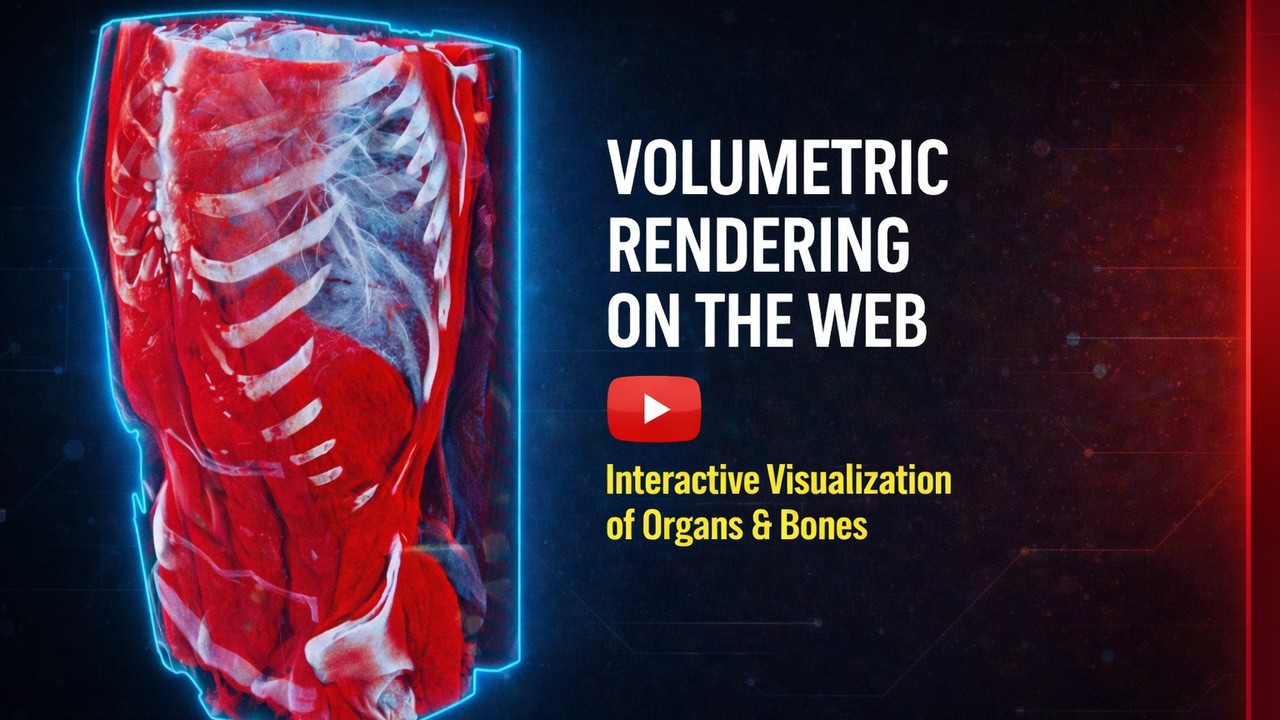
Watch Grenzwert render a CT volume in real time — cinematic lighting, tissue highlighting, and interactive cropping, right in the browser.
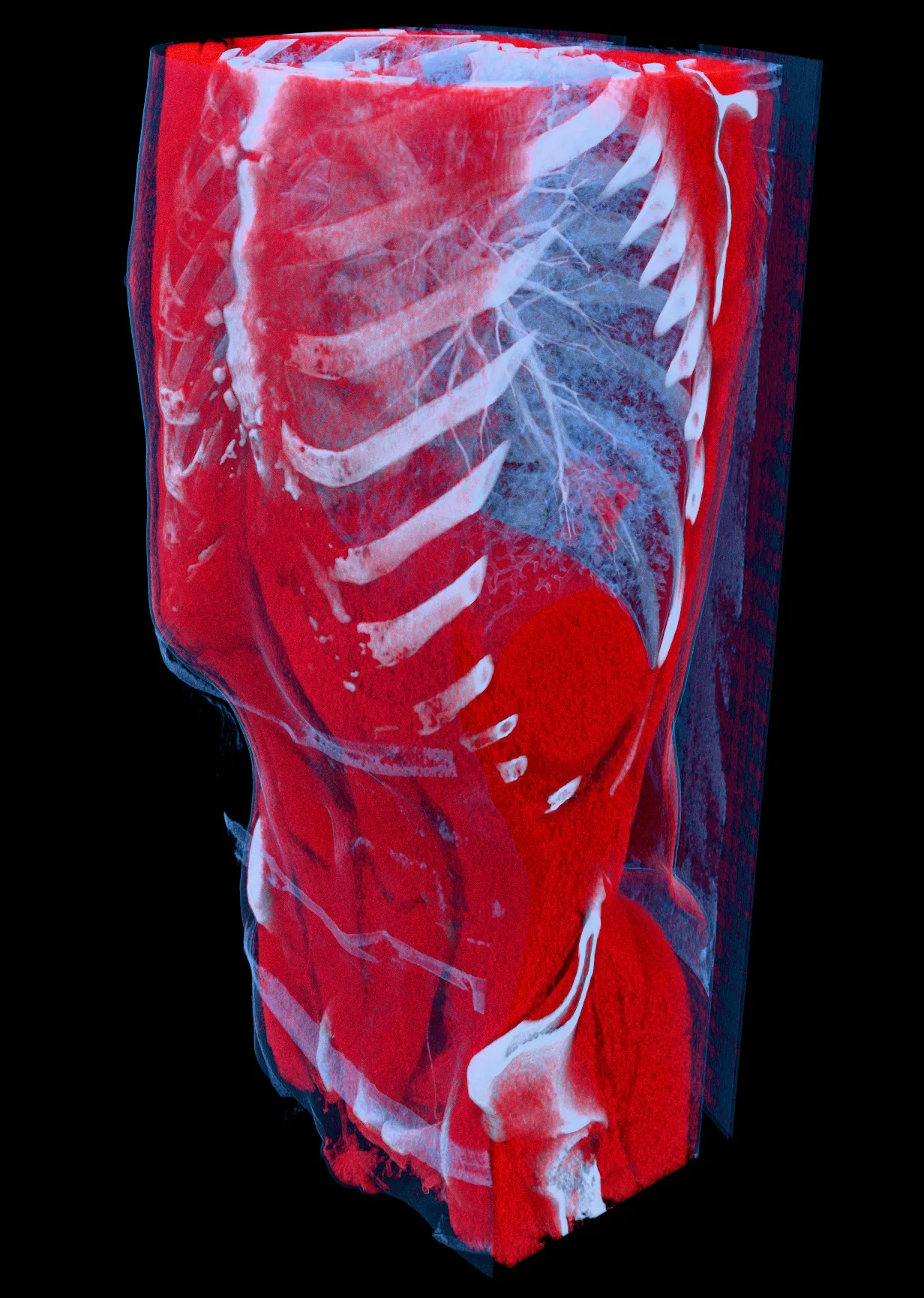
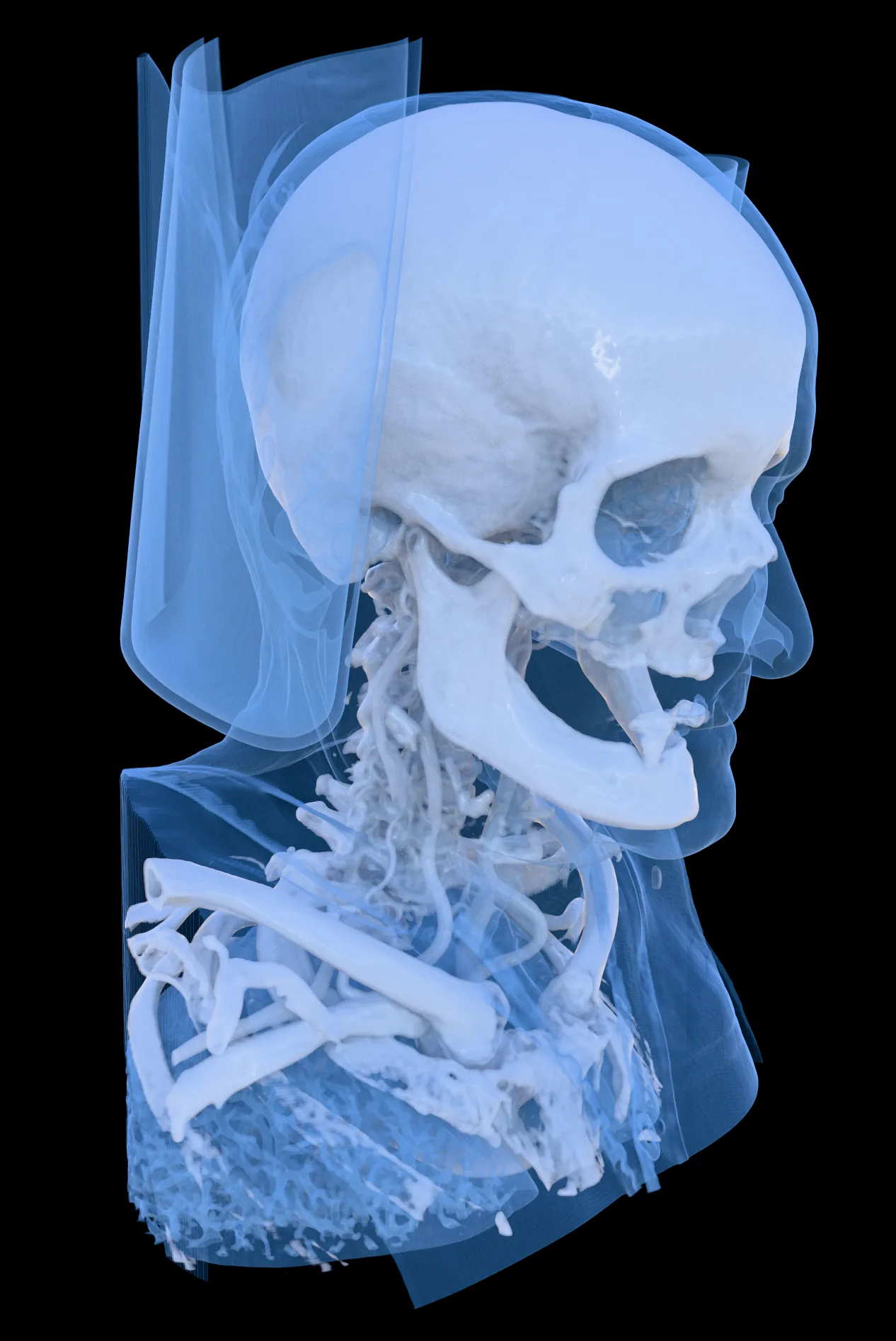
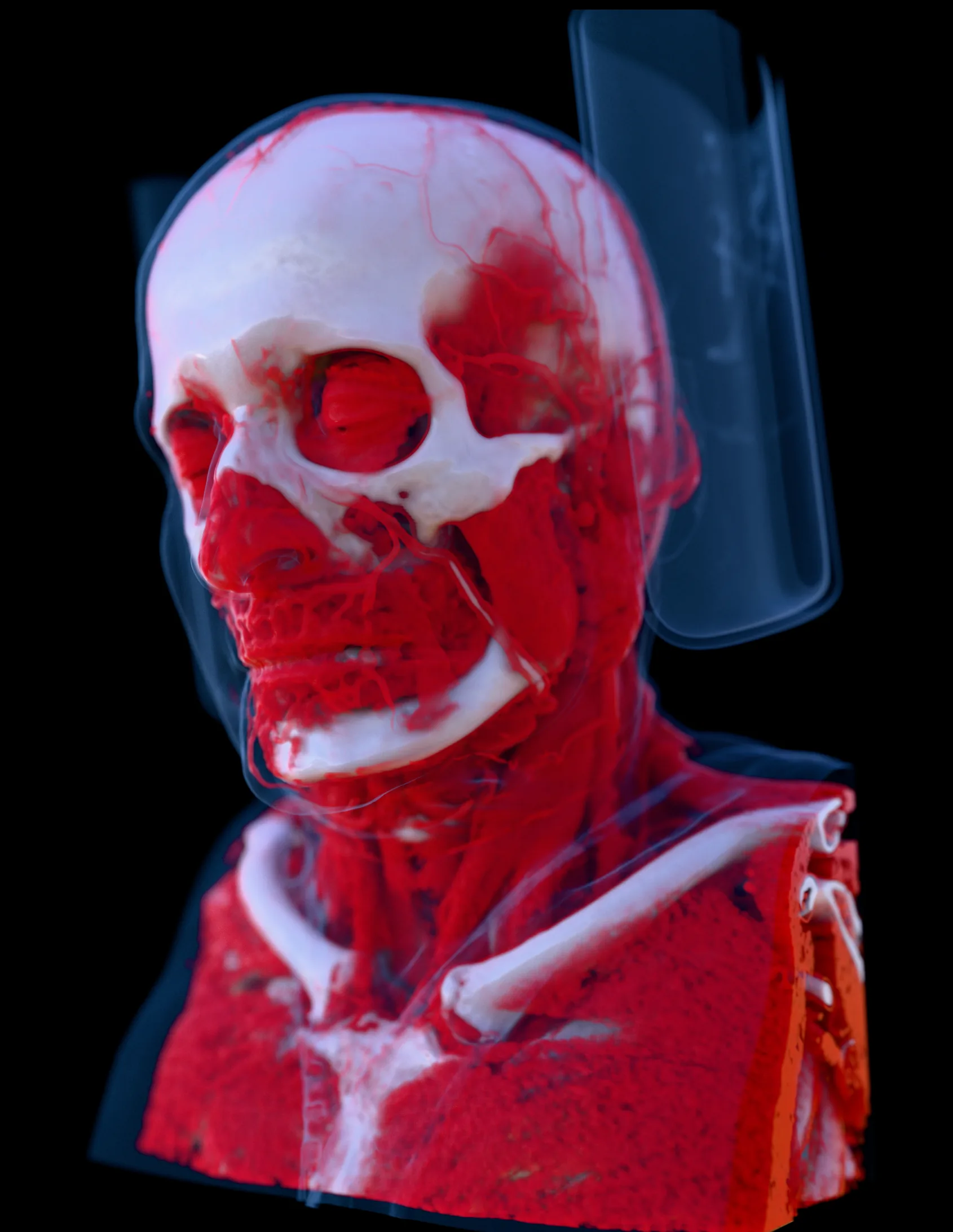
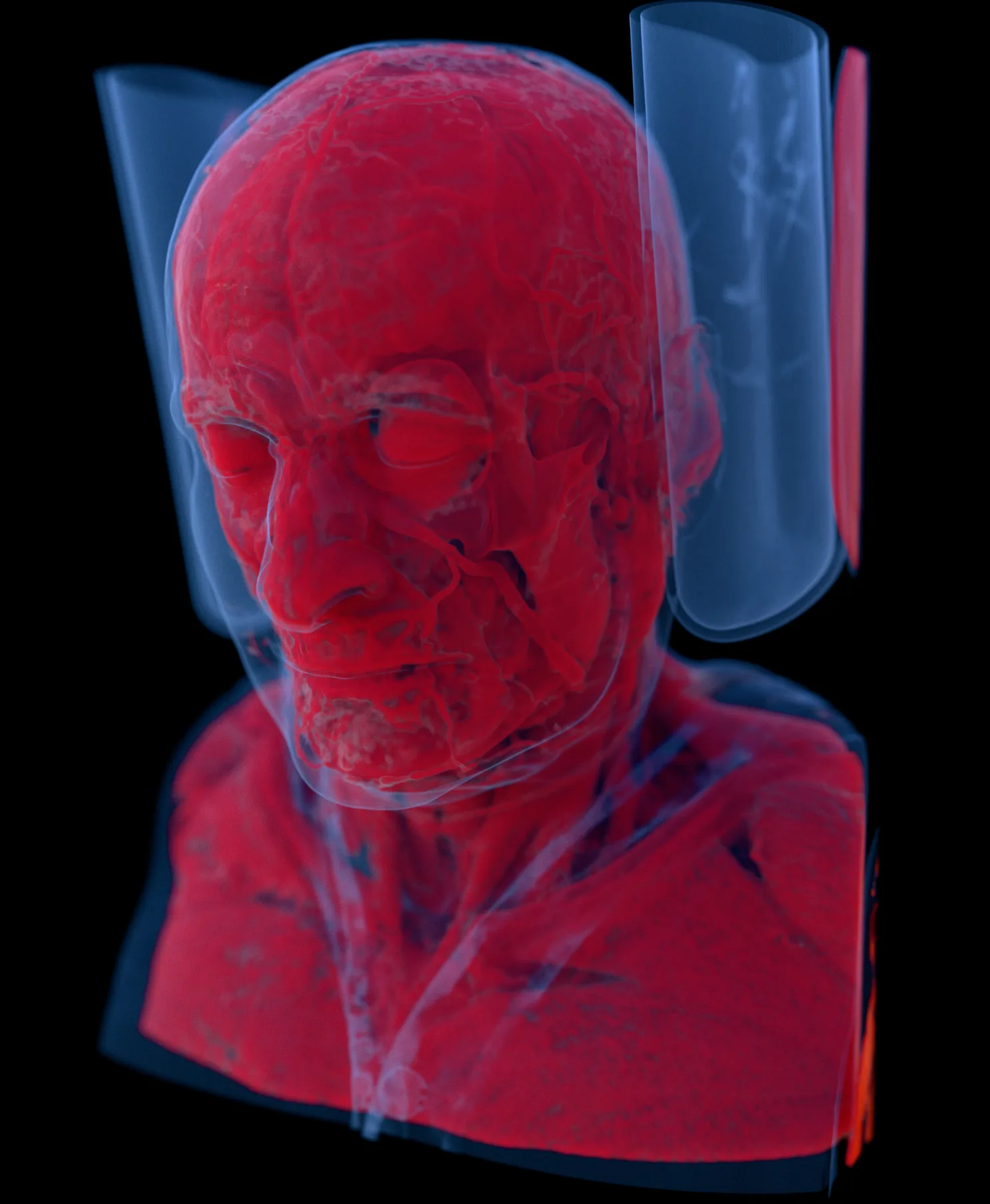
3D CT scan images from the viewer
These 3D CT images from the MANIX and MECANIX datasets show how the viewer renders CT scans: soft-tissue transfer functions, bone presets, transparent clipping volumes, and cinematic lighting.
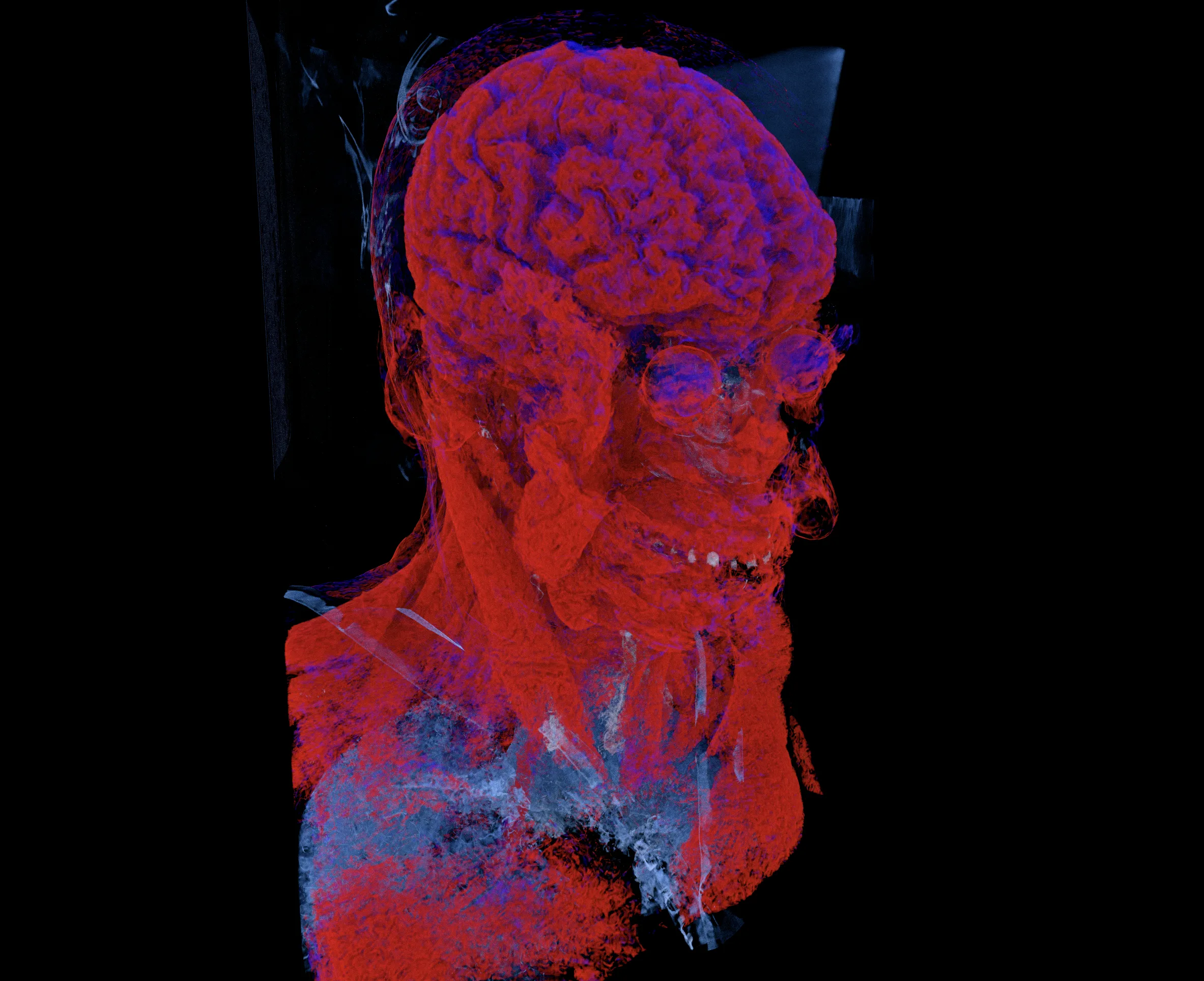
Head CT soft-tissue volume rendering
A MANIX head CT dataset rendered with a soft-tissue transfer function for vascular and brain structure visibility.
Under the hood
The browser viewer is built from a cross-platform C++ rendering engine and delivered through WebAssembly. Native Windows, macOS, and Linux applications are planned for Enterprise.
Rendering engine
- Built on DiligentCore — unified GPU abstraction across Direct3D, Vulkan, Metal, and WebGPU for consistent image quality on every platform
DICOM processing
- DICOM parsing via GDCM for compatible CT and MRI data using supported transfer syntaxes
Cross-platform
- Delivered in the browser through WebAssembly compiled with Emscripten; native Windows, macOS, and Linux applications are planned for Enterprise
Browser compatibility
The browser version requires WebGPU. Use Chrome 142+, Edge 142+, or Safari 27+ on a modern desktop — no additional software or IT approval needed.
Chrome / Edge
SupportedChrome / Edge 142+ with the required WebGPU features.
Safari
SupportedSafari 27+ with the required WebGPU features.
Frequently asked questions
How can I view CT scan images in 3D?
Open the free demo in Chrome or Edge — the viewer renders CT scans as an interactive 3D image right in the browser, with no installation. You can rotate the sample datasets freely, highlight tissues, switch to MPR slices, and take measurements. Grenzwert Pro adds local import for your own DICOM scans.
How does cinematic rendering present volume data?
Cinematic rendering uses physically based light simulation to produce a photorealistic 3D presentation of CT and MRI volume data. It offers an alternative visual style for exploring tissue-density ranges and spatial relationships. It is a visualization technique and has not been validated for detecting findings or improving clinical decisions.
Does the viewer support multi-planar reconstruction (MPR)?
Yes. Alongside the cinematic 3D view, the viewer provides synchronized axial, coronal, and sagittal MPR panes with a linked crosshair, slice navigation, and Window/Level control — directly in the browser, no installation required.
Can I measure distances, angles, and ROI statistics?
Yes. The MPR views include a distance ruler with millimeter readouts, a three-point angle tool, and rectangle and ellipse ROI tools that report area and voxel statistics — mean, minimum, maximum, and standard deviation, in Hounsfield Units for CT. Measurements stay anchored to the anatomy as you navigate slices.
Can I view DICOM files with this tool?
The browser demo uses preprocessed reference datasets for instant visualization — you can explore them in full 3D and MPR with measurement tools today. Grenzwert Pro opens your own DICOM files directly from local storage in the browser; your data stays on your device and is never uploaded.
Which browsers support this 3D DICOM viewer?
The viewer runs in Chrome 142+, Edge 142+, and Safari 27+, which provide the required WebGPU features. Firefox is not yet supported due to a missing GPU extension. Simply open the link in a supported browser on a modern desktop — no installation, plugins, or IT approval required. The application loads directly in your browser and is ready to use within seconds.
Can Grenzwert be used for diagnosis or patient care?
No. Grenzwert is intended solely for research, education, demonstration, and non-diagnostic visualization. It is not intended for diagnosis, treatment planning, patient monitoring, or clinical decision-making. It has not been cleared or approved by the U.S. Food and Drug Administration and does not bear CE marking as a medical device.
One viewer for every workflow
From the free browser demo to advanced and native workflows, Grenzwert brings cinematic 3D rendering, synchronized MPR, measurements, and local DICOM processing into one product family.
DICOM Import
Load CT and MRI DICOM series from local storage — no preprocessing or format conversion required
Multi-Planar Reconstruction
Axial, coronal, and sagittal views with synchronized cross-reference lines and Window/Level presets for compatible datasets
Measurement Tools
Ruler, rectangle and ellipse ROI, and angle tools with dataset-derived millimeter and Hounsfield Unit readouts
Desktop applications
Native applications for Windows, macOS, and Linux are planned for Grenzwert Enterprise.
Choose your plan
Compare Pro, Max, and Enterprise to find the right fit for your workflow.