Viewer capabilities

Explore medical volumes from every angle

Grenzwert brings cinematic 3D rendering, precise slice navigation, measurements, and a private local DICOM workflow into one focused viewer.

Visualization

3D Volume Rendering

Shape a volume into a clear spatial view, from familiar tissue presets to a carefully tuned final image.

  • Direct volume rendering with cinematic lighting, tissue presets, and editable transfer functions.
  • Interactive cropping, orbit and free camera modes, plus orthographic and perspective projection.
  • Depth of field, exposure, tone mapping, and HDR controls for deliberate image presentation.
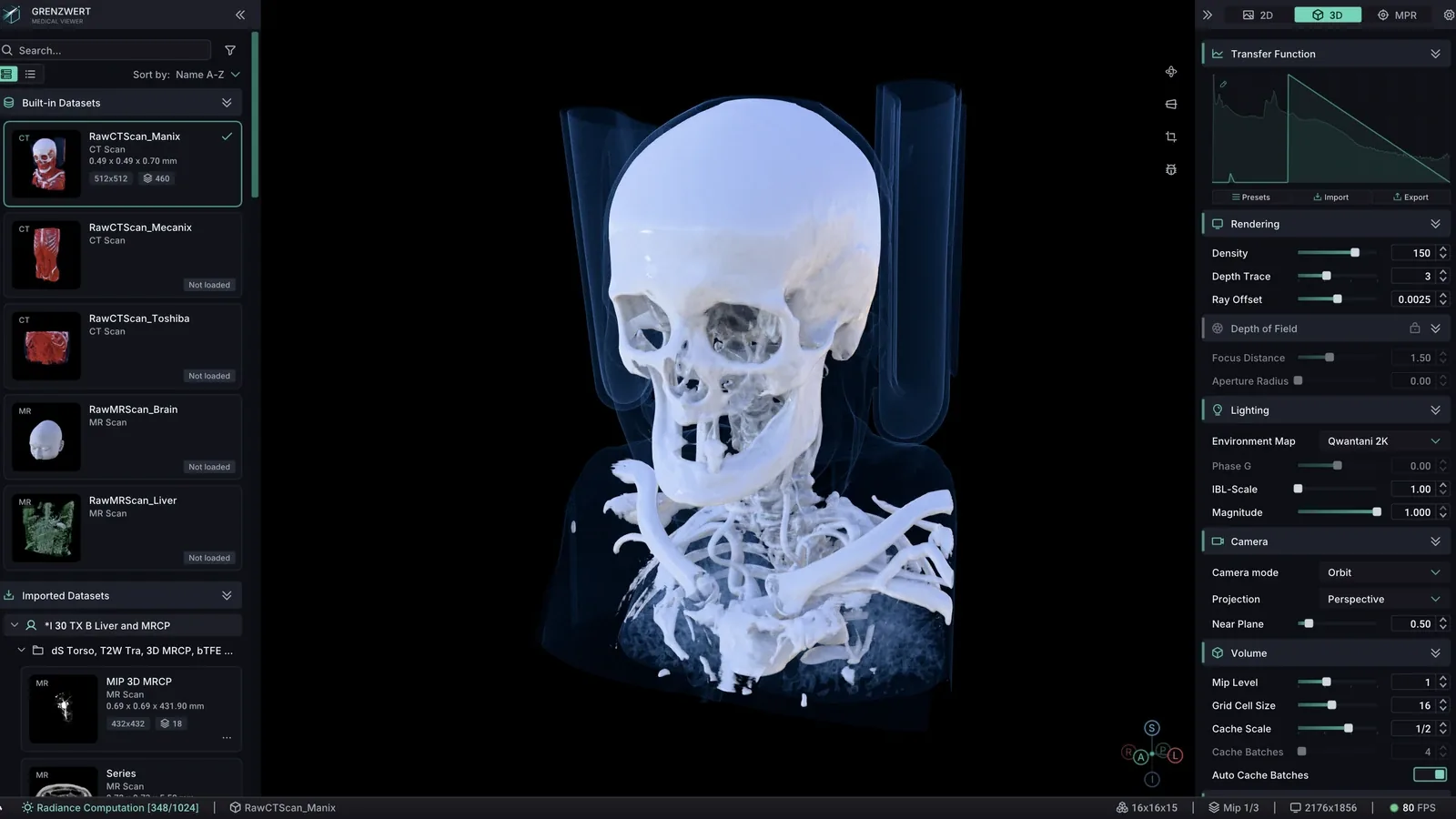
Grenzwert 3D volume rendering workspace with CT anatomy and rendering controls
Slice views

Multiplanar Reconstruction

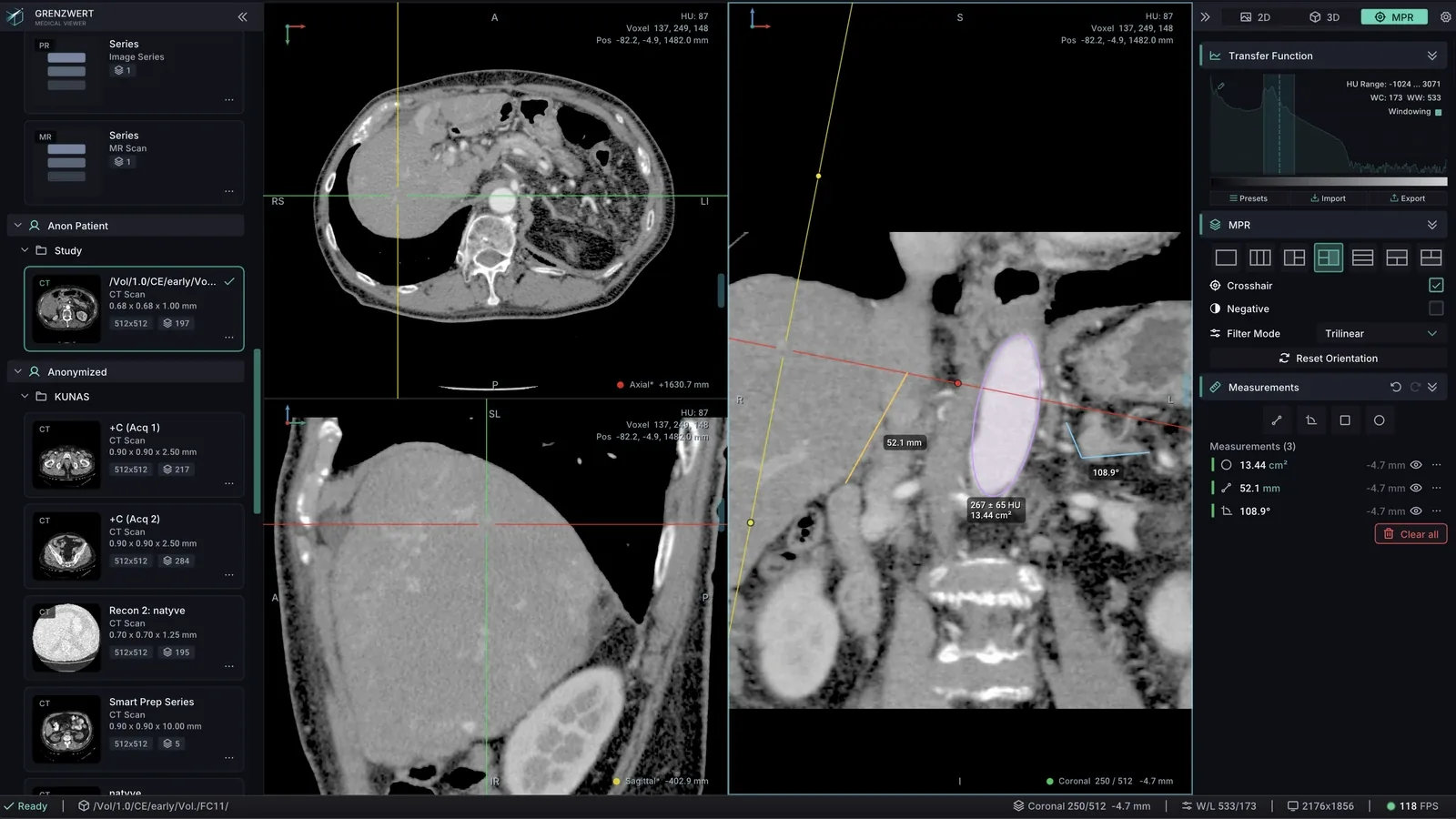
Inspect anatomy across linked planes while preserving spatial context between every view.

  • Axial, coronal, and sagittal views in flexible single- and multi-pane layouts.
  • Synchronized and oblique crosshairs with an intensity probe for exact voxel inspection.
  • Configurable interpolation and negative mode for different image-reading needs.
Grenzwert three-pane MPR view with crosshair, distance measurement, ROI, and HU readout
Quantification

Measurements & ROI Analysis

Add quantitative context directly to the slice views and keep annotations easy to revise.

  • Distance and angle tools for quick geometric measurements.
  • Rectangle and ellipse ROI tools with area, mean, standard deviation, minimum, and maximum values.
  • Edit, jump to, or delete measurements, with undo and redo for safe iteration.
Sequence review

2D Stack & Cine

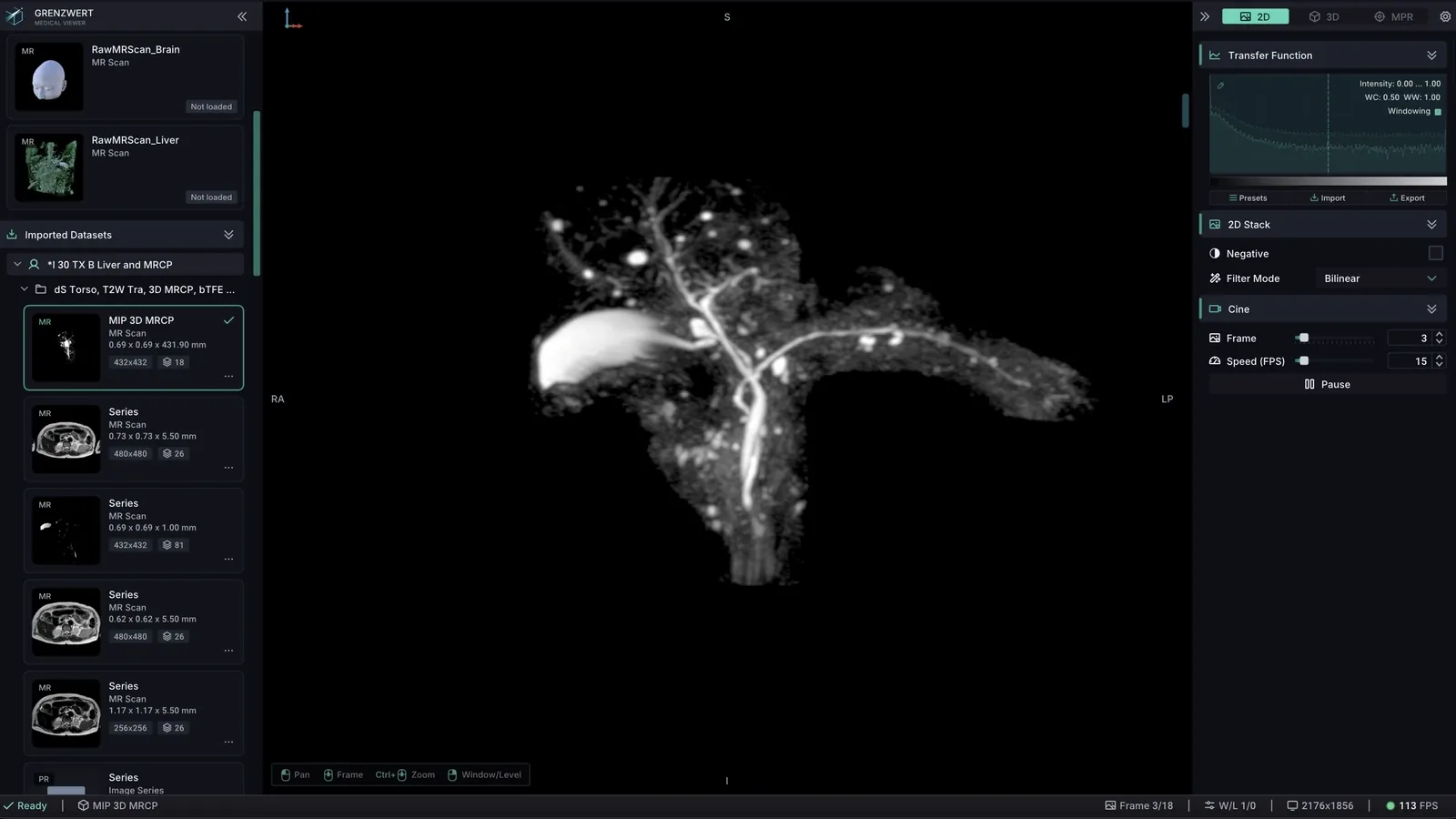
Move through an image stack manually or play it as a controlled sequence without leaving the viewing context.

  • Frame-by-frame navigation with clear current-frame feedback.
  • Automatic playback with adjustable frames per second.
  • Transfer function and windowing controls, filtering, and negative mode during review.
Grenzwert 2D stack view with an anatomical slice, transfer function, frame, and cine FPS controls
Study management

Local DICOM Workflow

Open a local DICOM folder and organize its contents before choosing the series you want to inspect.

  • Patient → Study → Series catalog with previews for fast orientation.
  • Search, sorting, and modality filters for larger local collections.
  • Series geometry, metadata summaries, and direct access to DICOM tags.
On-device workflow

Performance & Privacy

Grenzwert is designed to keep interaction responsive while local studies remain on the device you selected them from.

  • GPU-accelerated WebGPU rendering and progressive volume loading shorten the path to a usable view.
  • Adaptive rendering concentrates work where it improves the image, helping complex volumes stay responsive and visually stable.
  • Selected DICOM files are processed locally and are not sent to a Grenzwert server.
See it in context

Explore the viewer for yourself

Open the live demo with bundled sample data, or compare plans for working with your own local DICOM studies.

Grenzwert is intended for research, education, and demonstration. It is not intended for diagnosis or clinical decision-making.